
A welcome usability enhancement in SQL Server 2016 Tabular is the ability to configure display folders to organize table fields and measures in logical folders. Previously, you had to use BIDS Helper or DAX Editor (for measures) to implement display folders. Starting with SQL Server 2016, you can just set the Display Folder property of a measure or a field.
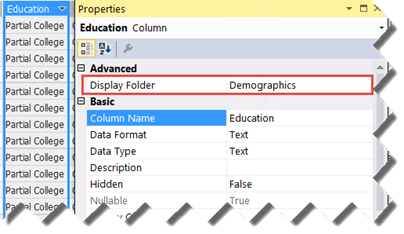
This adds the display folder to Fields List in Excel and Power BI Desktop.
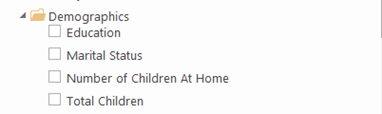
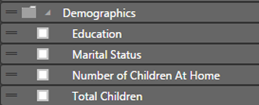



And even better: you can nest display folders! More info: http://sqlkover.com/nested-display-folders-in-ssas/
It even works in Power BI 🙂
Yes, similar to MD.