Register for my next online Power BI Dashboard in a Day (DIAD) workshop and hone your data analytics skills! Drive value for your organization and on the road to recovery after COVID-19. Attend from anywhere for only $199. I'll teach you practical Power BI knowledge and data analytics skills that you can immediately apply to your job. See how Power BI can improve your usability…
Question: How to put Power BI files under source control? Workaround: Power BI Desktop does not currently support source control and it doesn't have an Excel-like extensibility mechanism to let developers take from where Microsoft left off. However, thanks to the enhanced dataset metadata (currently in preview), you can implement a rudimentary source control policy while waiting for third parties to fill in the void…
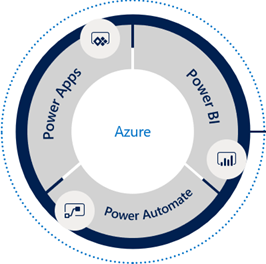
Take advantage of this exclusive opportunity to increase your data IQ from the comfort of your home wherever you are! Register today for my instructor-led digital training events and learn the Microsoft Power Platform consisting of Power BI, Power Apps, and Power Automate. 1-Day Power BI Dashboard in a Day (DIAD) Workshop Date: April 14, 2020 Time: 9:00 AM – 5:00 PM Eastern Time (GMT…
MS BI fans, the time has come for a virtual meeting. Please join us online for the next Atlanta MS BI and Power BI Group meeting on Monday, April 6th, at 6:30 PM. I'll show you how business analysts can apply AutoML in Power BI Premium to create predictive models. For more details, visit our group page and don't forget to RSVP (fill in the RSVP…
I helped an ISV a while back with their BI model design. They purchased a data transformation tool for $5,200/year because it's "simple to use" (the tool was designed for self-service data transformation tasks by business analysists) and "relatively inexpensive". The idea was to run the tool manually every time they have new data, import data from text files, transform, and output the data in…
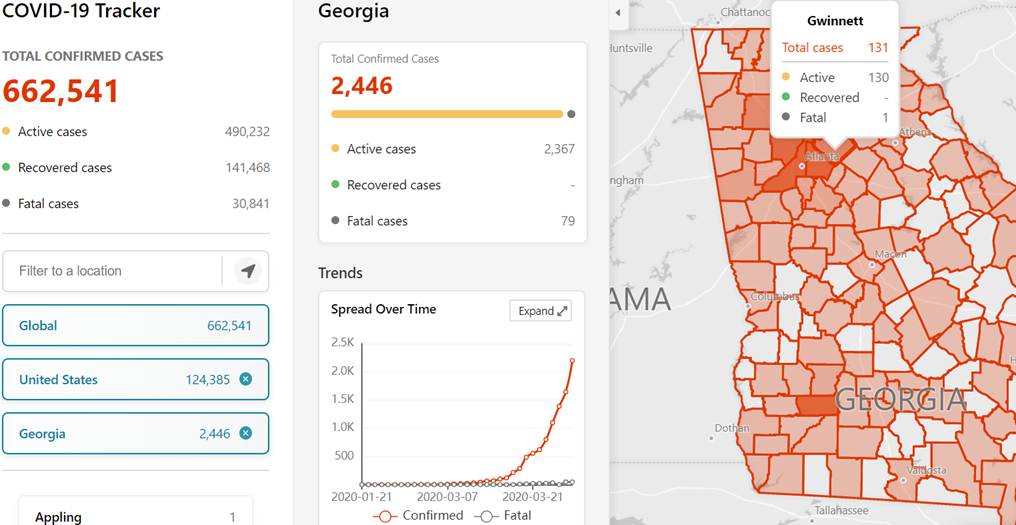
I've seen various reports designed to track COVID-19. I personally like the Microsoft Bing tracker (https://www.bing.com/covid). Not only does the report track the current counts, but it also shows a trend over time. It even goes down to a county level (the trend is not available at that level)! And it's very fast. As good as it is, this is one report I hope I…
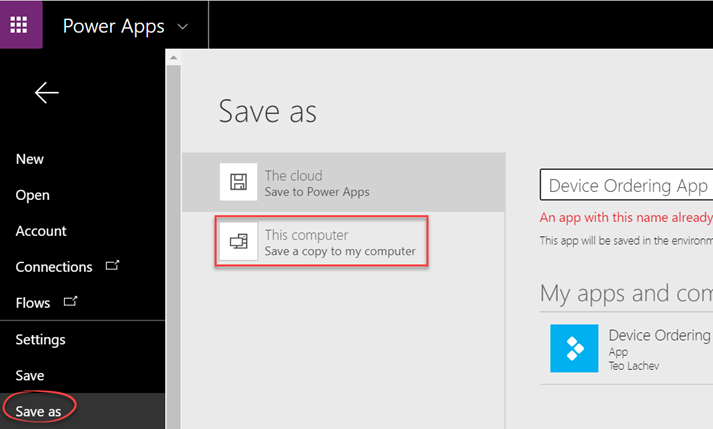
As it stands, Power Apps doesn't offer an easy way to get to the app source code. Yet, there are scenarios where this could be useful, including: Putting the app source under source control when the Power Apps version history is not enough. Currently, Power Apps doesn't integrate with source code repos, such as GitHub. Finding references to an item. For example, I've referenced a…
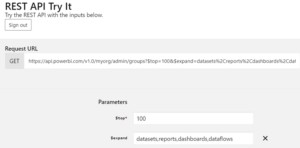
Power BI Service (powerbi.com) packs a graphical lineage view with the caveat that it only works within a workspace. As a Power BI admin, you may need a utility to inventory all Power BI artifacts published to all workspaces (including My Workspaces) in your Power BI tenant. Fortunately, the Admin - Groups GetGroupsAsAdmin can do the job in one call without any coding! Don't be…
In my previous post "Power BI Embedded, Service Principals, and SSAS", I discussed how you can integrate Power BI Embedded (App Owns Data) configured for service principal authentication with SSAS to pass the effective user identity. One important observation is that you can use this approach with both internal and external users. For internal users, the Power BI gateway (running under an account that has…
Do you know that according to Gartner, at least five of the top 10 technology trends for 2020 will involve predictive analytics? And the third on the list is "democratization" to deliver it to non-specialists. With the growing demand for predictive analytics, Automated Machine Learning (AutoML) aims to simplify and democratize predictive analytics so business users can create their own predictive models. The promise of…