
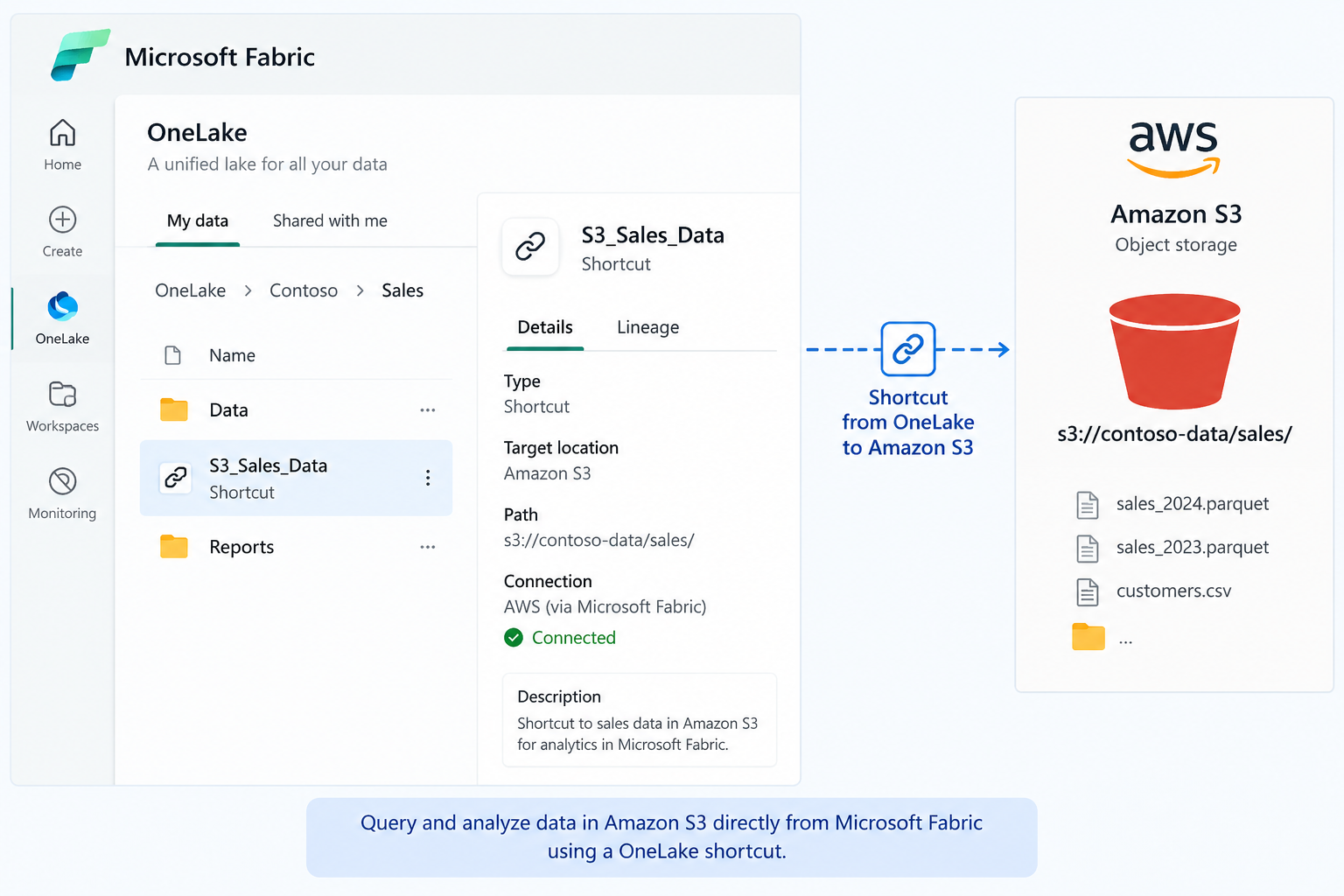
Snowflake is an increasingly popular option for data warehousing. One nice Snowflake feature is the ability to configure a table to save its data in Iceberg file format in the Snowflake own managed storage or external storage, including S3, GCS, ADLS Gen 2, and OneLake. As I wrote in the post “Give Me Your Data!”, Fabric supports shortcuts to Iceberg tables, in which case the data is not copied but exposed as a Parquet Delta table in a Fabric lakehouse. This could be useful when building Fabric-centric solutions on top of Snowflake without moving the data.
What’s supported?
The Microsoft documentation leaves us with the false impression that the setup is pretty straightforward. However, a real-life project proved otherwise because the integration complexity depends on how the table was created. If the table uses EXTERNAL_VOLUME = ‘SNOWFLAKE_MANAGED’, a shortcut is not possible, because those files sit in Snowflake’s own storage which OneLake shortcuts don’t support (only S3, S3 compatible, GCS, or ADLS Gen2 are supported). In other words, you don’t create a shortcut to Snowflake. Instead, you create a short to the underlying storage. By the way, Fabric Mirroring carries the same requirement for Iceberg tables.
Besides S3, GCS, and ADLS Gen2, Snowflake tables can be configured to save data directly into Fabric OneLake. Of course, this defeats the purpose to keep the data where it’s processed (more than likely on AWS), but it’s allowed in your environment, it probably could be the easiest solution.
If the data is saved in external storage to Fabric, the Microsoft supported path is an external volume on your own S3, GCS, or ADLS Gen2 storage. Run SELECT SYSTEM$GET_ICEBERG_TABLE_INFORMATION(‘<table>’) to confirm the metadata location, then create the shortcut in the Tables section of your lakehouse and point it at the table folder, the one containing /metadata and /data rather than the metadata folder itself. OneLake generates the Delta log automatically, usually within 5 seconds to 2 minutes. A few limits worth planning around: Iceberg V2 only, fewer than 5,000 commits, no bucket, truncate, or void partition transforms, and no support on workspaces with private links enabled.
Authentication options
So, now that we know that Snowflake is out of the picture, the shortcut must authenticate directly against the storage provider. In case of S3 (the likely external storage outside the Snowflake managed storage), Fabric authenticates using Entra, AWS issues short-lived STS credentials through OIDC trust, and Fabric accesses the Iceberg-backed Parquet files in S3 via a OneLake shortcut. This eliminates AKIA key management while maintaining full CloudTrail auditing and aligns with enterprise cross-cloud security best practices.
The table below illustrates the authentication options for S3, with the Entra Service Principal being the current recommended approach by Microsoft:
| Option | Security Fit | Recommendation |
| Permanent AKIA keys | Poor | Avoid |
| Temporary ASIA keys | Unclear support, likely problematic due to session-token requirements | Not recommended |
| Entra Service Principal + AWS IAM Role (OIDC) | Excellent but require changes in Microsoft Entra | Recommended |
| Snowflake Iceberg integration path | Depends on architecture goals | Worth evaluating |
| Gateway + SPN for VPC buckets | Excellent for private networking | Recommended when needed |
Creating Microsoft Entra service principals presented a challenge in our project because of the additional security clearance required. Note that Snowflake supports additional authentication options, such as Apache Iceberg REST Catalog Integration, but they are not currently supported by Fabric.



JOIN THE CONVERSATION
Discussion