
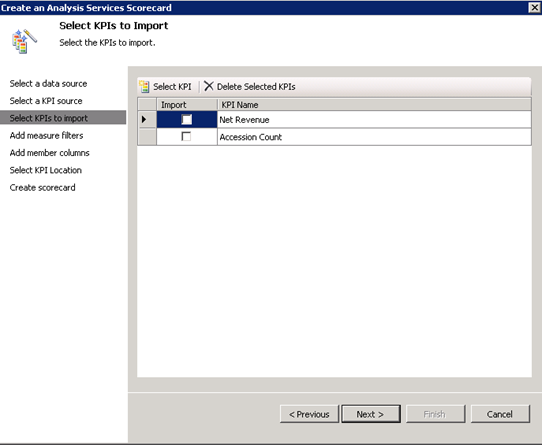
Forging ahead through the unchartered land of PerformancePoint 2010, I ran into a snag today. Attempting to import Analysis Services KPIs resulting in the following error:
An unexpected error occurred. Error 47205.
Exception details:
System.IO.FileNotFoundException: Could not load file or assembly ‘Microsoft.AnalysisServices, Version=10.0.0.0, Culture=neutral, PublicKeyToken=89845dcd8080cc91’ or one of its dependencies. The system cannot find the file specified.
File name: ‘Microsoft.AnalysisServices, Version=10.0.0.0, Culture=neutral, PublicKeyToken=89845dcd8080cc91’
at Microsoft.PerformancePoint.Scorecards.Server.ImportExportHelper.GetImportableAsKpis(DataSource asDataSource)
at Microsoft.PerformancePoint.Scorecards.Server.PmServer.GetImportableAsKpis(DataSource dataSource)
Since in our case, PerformancePoint was running on a SharePoint web front end server (WFE) which didn’t have any of the SQL Server 2008 components installed, it was clear that PerformancePoint was missing a connectivity component. Among many other things, I tried installing the Analysis Services Management Objects (AMO) from the SQL Server 2008 Feature Pack but the error won’t go away. I fixed it by running the SQL Server 2008 setup program and installing the Client Tools Connectivity option only. Then, the KPIs magically appear in the Scorecard Wizard.



JOIN THE CONVERSATION
Discussion