
Scenario: You plan to display a Power BI report on a monitor. You want the report to automatically cycle through report pages, showing each after a configurable time delay, like a photo slide show.
Solution: There are at least two solutions to accomplish this:
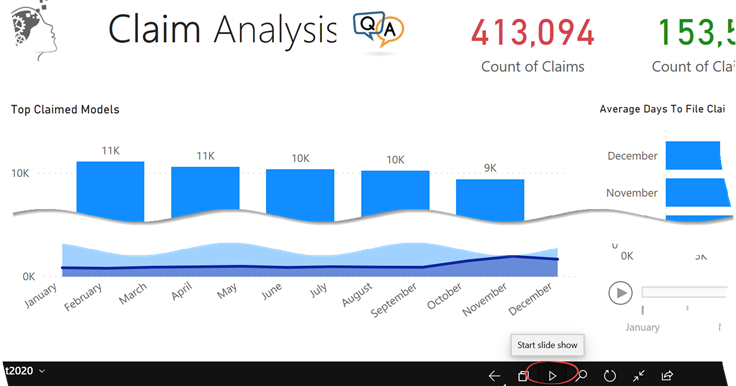
- The Microsoft-supported way is to install the Power BI Mobile for Windows and use its presentation mode feature, which is shown in the screenshot below.
- The open-source Chrome “Power BI Real Time Slideshow” extension.



Hey everyone,
This is DMiradakis from GitHub, I’m the one who built the Power BI Real-Time Slideshow Chrome extension that is mentioned in the article above!
I am VERY excited to tell you that I am replacing the Chrome extension mentioned above with a brand new web application called Displagent!
You can find it’s landing page here: https://www.displagent.io
I think this web application will solve these same pain points MUCH better than my Chrome extension can, with far more features! If you’re interested or have these pain points, would you mind checking out my landing page and submitting your email in the newsletter box at the bottom?
I’m pretty excited about this, I think my app can help you out! : )
Thanks!