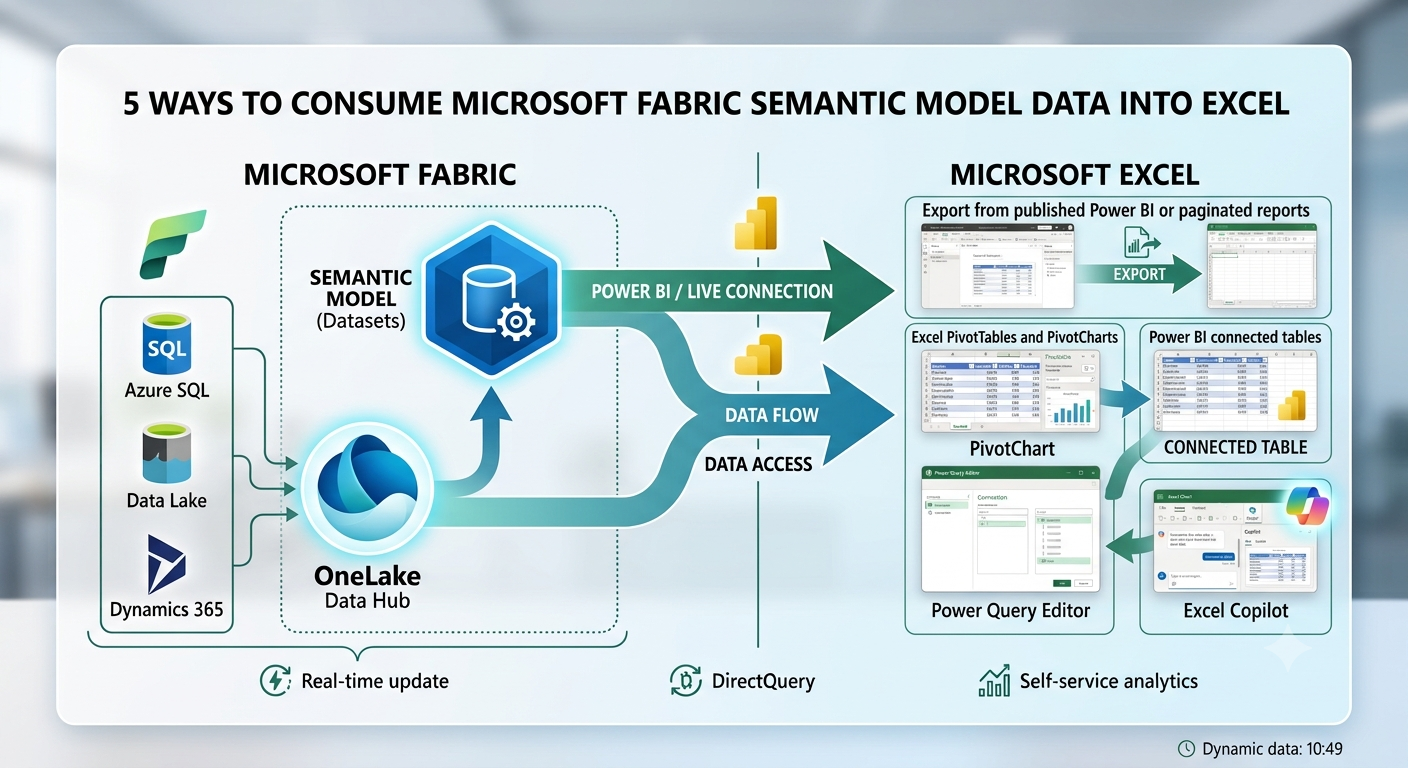
Ask a business user where they want to work with the data, and Excel would probably top the list. Regardless of how hard we try to lure users away from it, Excel remains the endpoint of self-service BI for many organizations. I have clients who have built custom apps or purchased Excel add-ins simply to get data into Excel—or manipulate it once it gets there.…
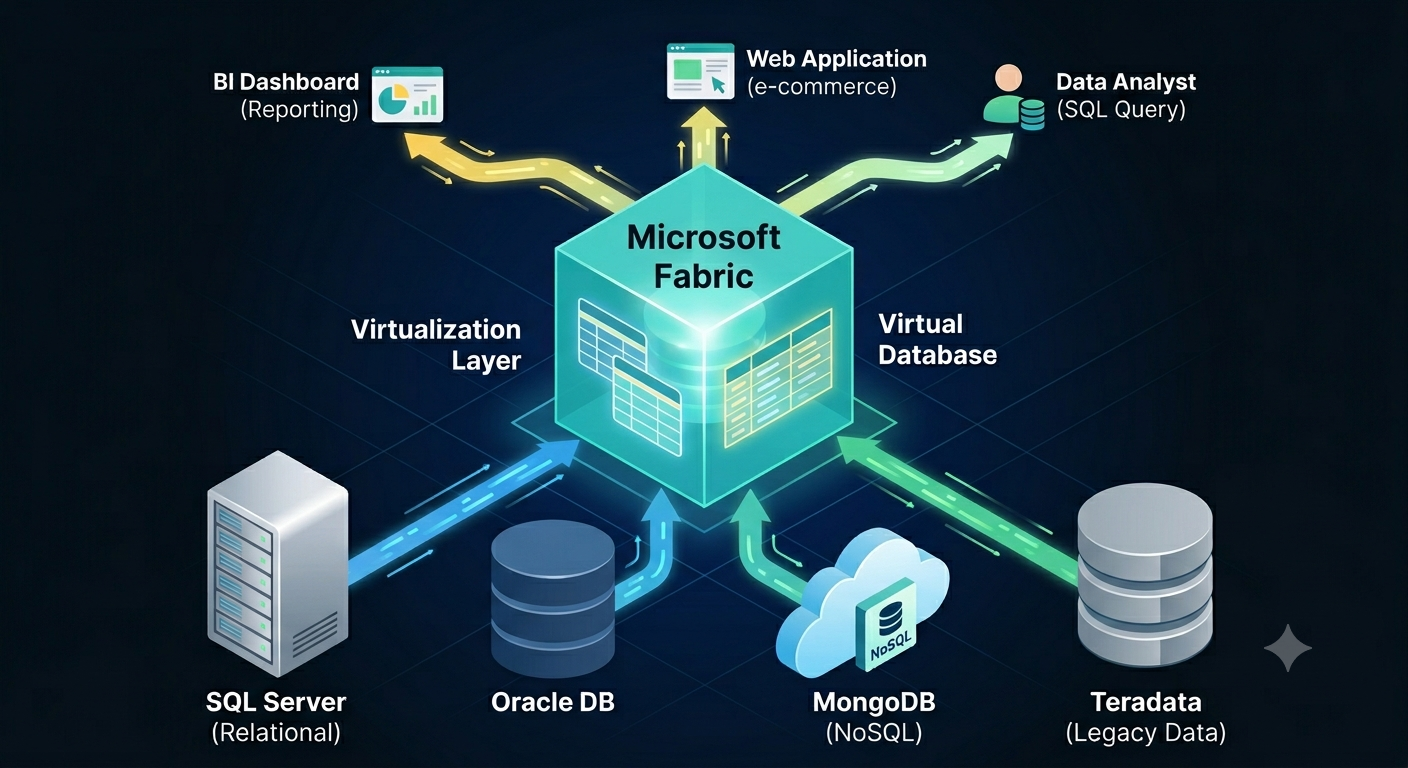
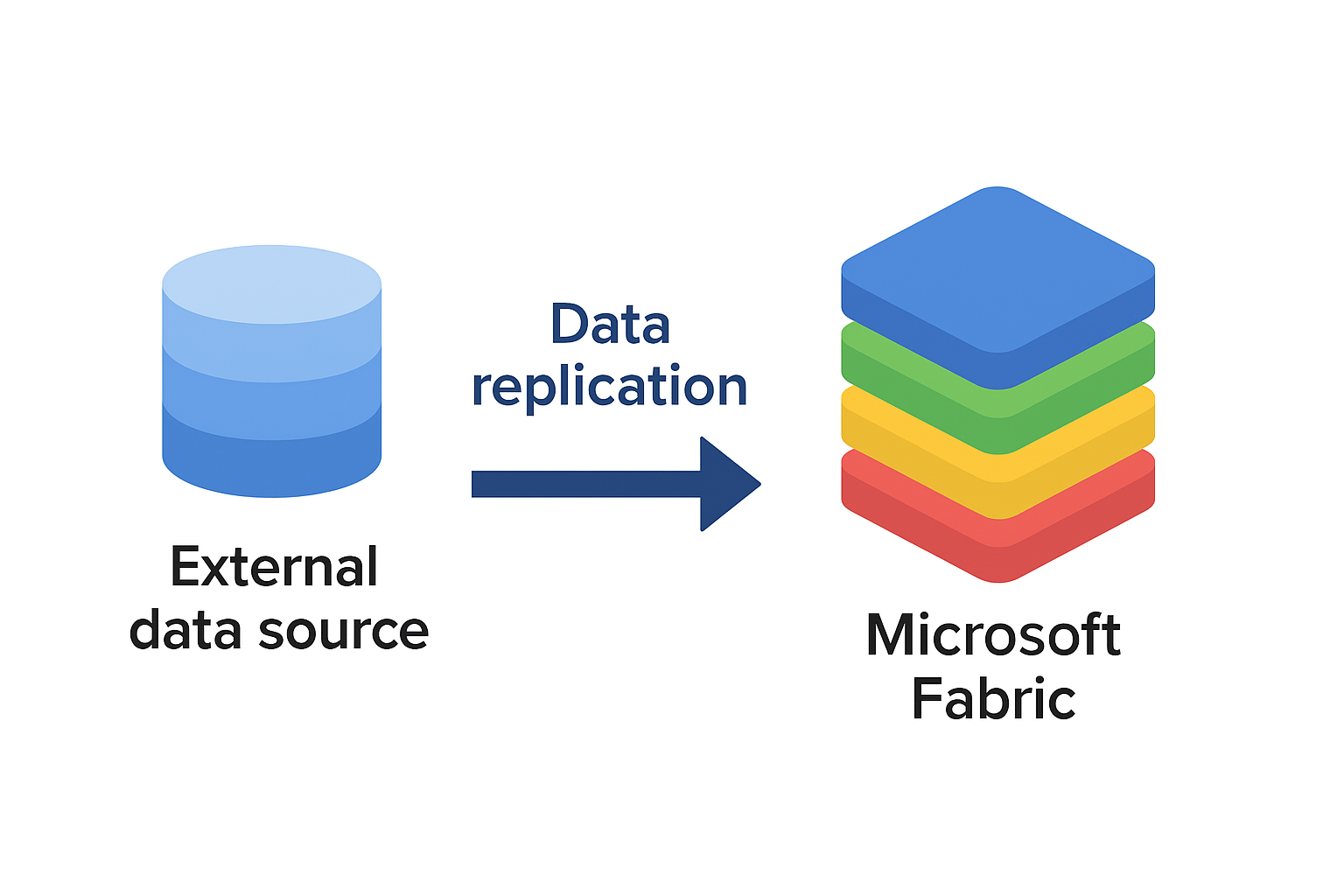
If Microsoft Fabric was the Statue of Liberty, the inscription would be “Give me your data”. Fabric is obsessed with owning the data when it makes sense and when it doesn’t. As I wrote before, this pattern was probably borrowed from Palantir and to align Fabric with the push for “modern” medallion architectures. Or, to establish a permanent dependency on Fabric… In this newsletter, I make…
At Ignite in November, 2025, Microsoft introduced Fabric IQ. I noted to go beyond the marketing hype and check if Fabric IQ makes any sense. The next thing I know, around the holidays I’m talking to an enterprise strategy manager from an airline company and McKinsey consultant about ontologies. In this newsletter I share my thoughts of FabricIQ based on my initial evaluation. Let's start…
If Microsoft Fabric is in your future, you need to come up with a strategy to get your data in Fabric OneLake. That’s because the holy grail of Fabric is the Delta Parquet file format. The good news is that all Fabric data ingestion options (Dataflows Gen 2, pipelines, Copy Job and notebooks) support this format and the Microsoft V-Order extension that’s important for Direct…
Like the Ancient Greek philosopher Diogenes, who walked the streets of Athens with a lamp to find one honest man, I have been searching for a convincing Fabric feature for my clients. As Microsoft Fabric evolves, more scenarios unfold. For example, Direct Lake storage mode could help you alleviate memory pressure with large semantic models in certain scenarios, as it did for one client. This…
The May release of Power BI Desktop added a feature called Translytical Task Flows which aims to augment Power BI reports with rudimentary writeback capabilities, such as to make corrections to data behind a report. Previously, one way to accomplish this was to integrate the report with Power Apps as I demonstrated a while back here. My claim to fame was that Microsoft liked this…
Looking for easy ways to create intelligent bots or Retrieval-Augmented Generation (RAG) apps? Microsoft Copilot Studio should help. After a year of letting it (and other Microsoft LLM offerings) simmer and inspired by the latest hoopla from the Ignite conference, I took another look at Microsoft Copilot Studio and share my findings in this newsletter. For the uninitiated, Copilot Studio lets you implement AI-powered smart bots…
I conducted recently an assessment for a client facing memory pressure in Power BI Premium. You know these pesky out of memory errors when refreshing a biggish dataset. They started with P1, moved to P2, and now are on P3 but still more memory is needed to satisfy the memory appetite of full refresh. The runtime memory footprint of the problematic semantic model with imported…
When it comes to Generative AI and Large Language Models (LLMs), most people fall into two categories. The first is alarmists. These people are concerned about the negative connotations of indiscriminate usage of AI, such as losing their jobs or military weapons for mass annihilation. The second category are deniers, and I must admit I was one of them. When Generative AI came out, I…
I’ve written in the past about the dangers of blindly following “modern” data architectures (see the “Are you modern yet?” and “Data Lakehouse: The Good, the Bad, and the Ugly”) but a recent assessment inspired to me write about this topic again. This newsletter advocates a hybrid and cautionary approach for data integration to avoid overdoing data lakes and warns about pitfalls of over-staging source…