
Lo and behold, Azure Data Factory now supports deactivating activities as a preview feature. It took only seven years…

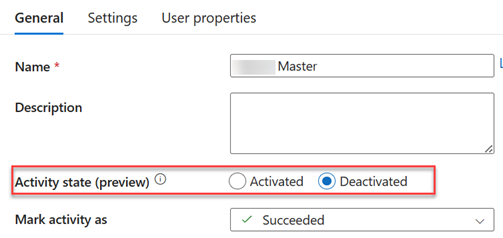
You can deactivate/activate activity by right-clicking it in the canvas or from its General settings. You can also configure how the subsequent activities should treat a deactivated activity, with Succeeded being the most common outcome.




JOIN THE CONVERSATION
Discussion